
Stop Scrolling the Library,
Start Playing Smarter
Ontario Loto bridges the gap between hardware limitations and your actual free time. We index gameplay performance, hardware heat limits, and campaign pacing to match you with the perfect experience.
Wasting Free Time on Loading Screens & Bad Ports
Every year, thousands of titles launch with poorly optimized PC ports, stuttering frametimes, and bloated campaign structures. The average player spends more time updating graphics drivers, searching community forums for configuration tweaks, and looking at catalog screens than actually enjoying the game.
Ontario Loto was built to resolve this challenge. We benchmark titles on multiple GPU configurations, review visual pacing, and map the time investment required to complete campaigns. You get clean suggestions matched to your system specs and your available playtime.
Our Benchmarking Method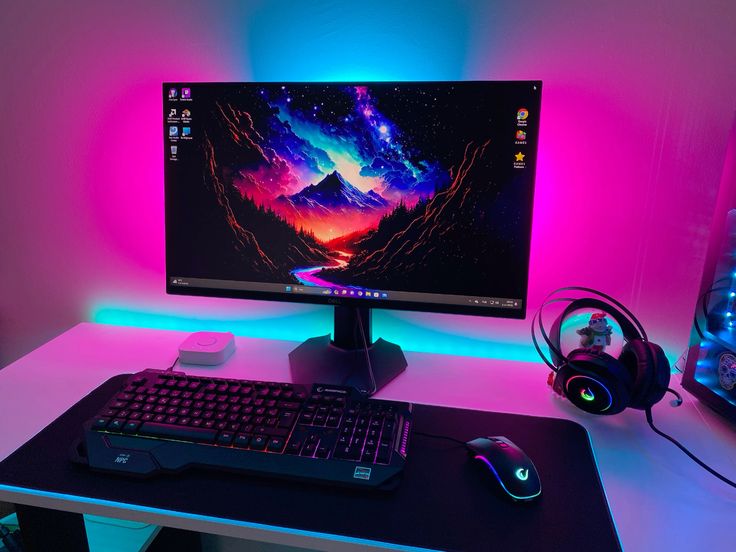
The Four Diagnostics Pillars
We analyze gaming catalog through three specific benchmarks: hardware requirements, temporal commitment, and engagement pacing.
Hardware Pacing
We measure frametime stability, CPU bottlenecks, and memory allocation across budget and enthusiast configurations.
Time Auditing
Every title is mapped by progression rate. Learn whether a game respects a 30-minute window or demands hours of setup.
Preset Optimization
Ready-to-use graphics parameters that target fluid framerates without completely sacrificing visual fidelity.
Stuttering Audits
We track performance updates and compile reports on micro-stuttering, shader compilation lags, and network pings.
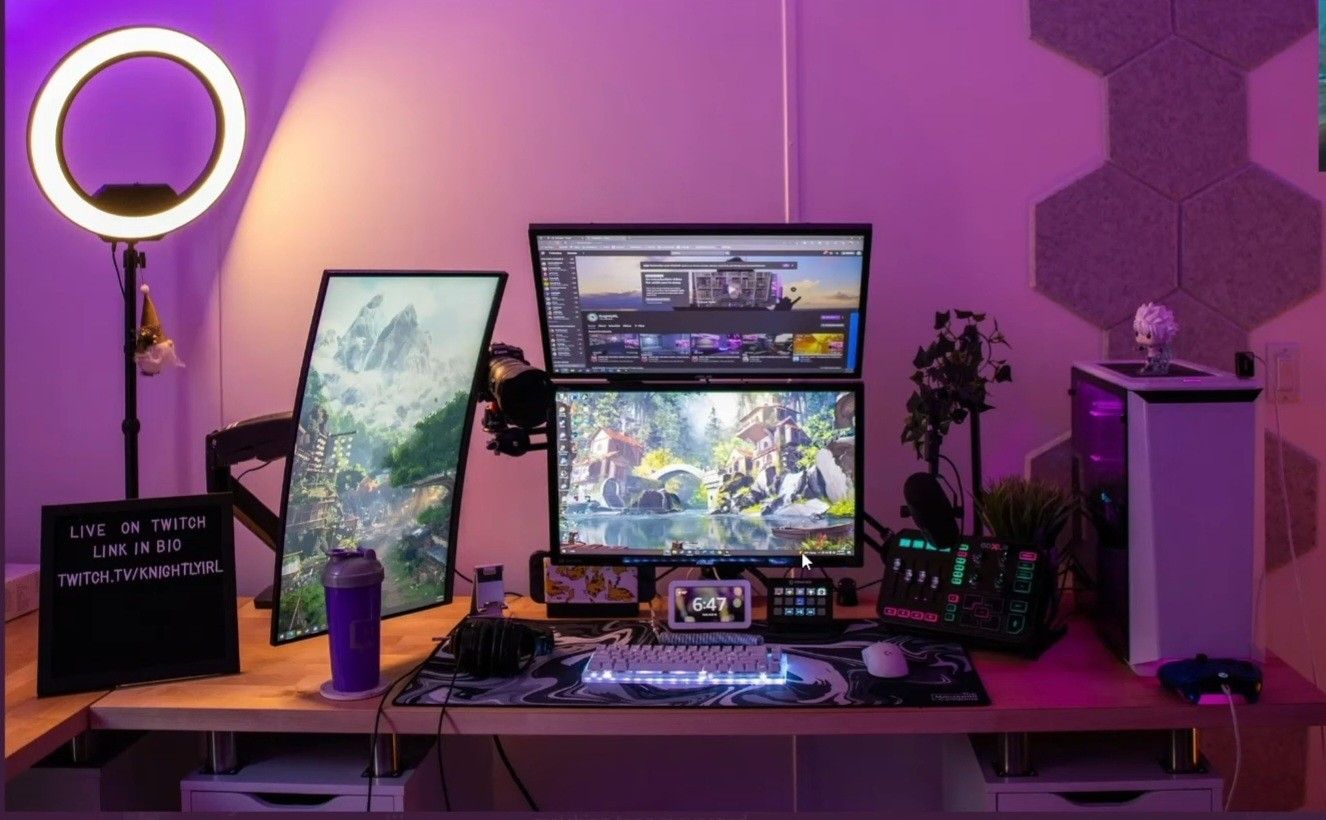
Why Graphics Presets Alone Aren't Enough
Most developers publish hardware recommendations that are highly vague, specifying hardware classes without detailing expected framerates or resolution standards. A game listed as compatible with a mid-range card might run at 60 FPS, but suffer from devastating 1% low drops that disrupt the pacing of gameplay.
We test games under strict load situations: physics heavy segments, rapid camera movements, and intensive shader computations. This data is converted into dynamic profiles. Our presets don't just copy default low/medium templates; they systematically balance draw distances, shadow mapping, and asset streaming so your gameplay stays smooth.
Check Game ProfilesPersonalized Gaming Pacing Profile
Every person's gaming patterns are distinct. A competitive player values input lag reduction above all else, while an atmospheric adventurer prioritizes high resolution and shadow complexity. Furthermore, available time limits dictate the depth of games you can realistically complete.
Our contact page allows users to submit their exact system specifications, display refresh rates, and average play duration. The team responds with a custom recommendations sheet detailing titles that fit your exact system capabilities and available hours, complete with optimized graphic presets.
Request Custom Profile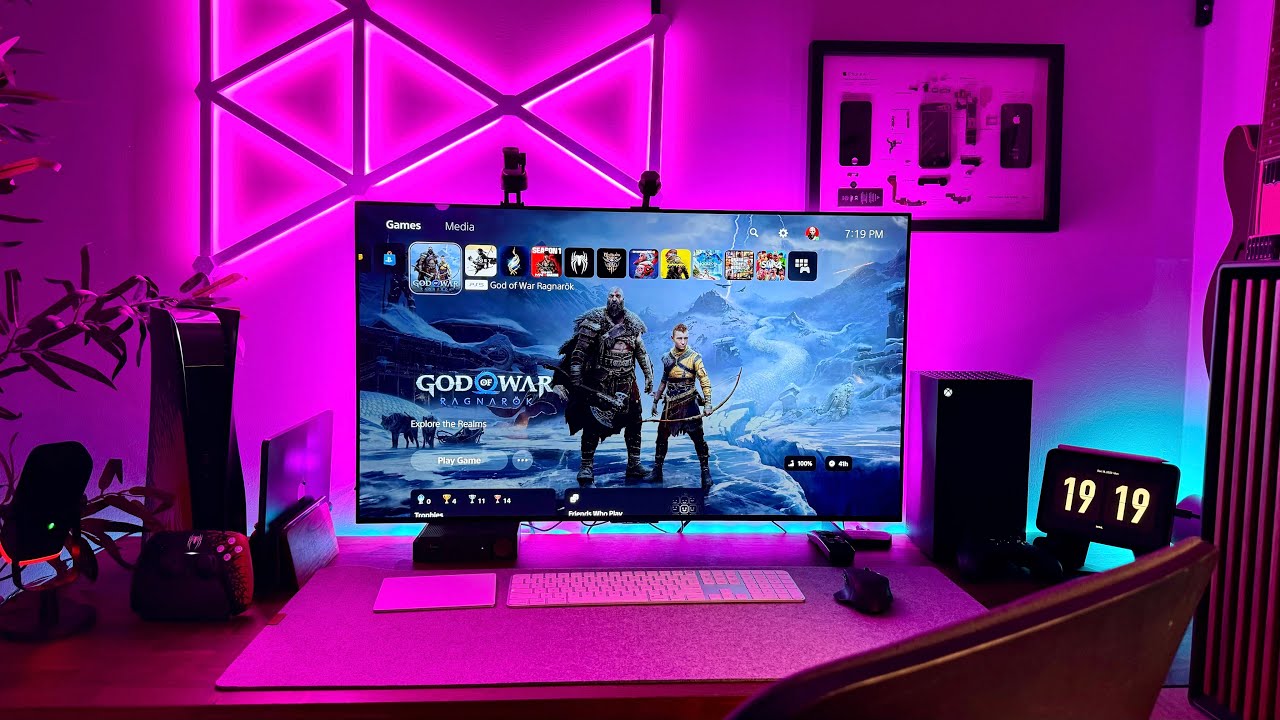
Frequently Asked Questions
Answers regarding our benchmarking methodology, platform coverage, and suggestion indices.
We test every title directly on dedicated test rigs representing multiple hardware tiers. We log frametimes, CPU load spikes, and thermal values. Our data does not rely on marketing specs or publisher statements, ensuring objective ratings.
Yes. While PC hardware features the highest performance variability, we also benchmark PlayStation and Xbox versions. We analyze the effectiveness of Performance vs. Resolution modes and note input latency values.
A session pick matches games to available time. For instance, an "Explorer Session" represents a game with instant load times and easy pause mechanics. An "Adrenaline Match" is ideal for 2-hour blocks, and a "Deep Campaign" matches long weekend play times.